
I have noticed that many people spend hours working on the inside of a document but give almost no attention to the first page. That is usually a mistake. Whether you are creating a school assignment, business report, project proposal, portfolio, eBook, or company profile, the first impression starts from the cover. A clean and well-designed cover page template can instantly make your work look more polished, organized, and trustworthy.
The good thing is that you do not need to be a graphic designer to create a strong cover page. You just need the right structure, a little clarity, and a design that matches the purpose of your document.
What Is a Cover Page?
A cover page template is a ready-made layout for the first page of a document. It gives you a structure where you can place important details like the title, subtitle, author name, company name, logo, date, and other necessary information in a neat and attractive way.
Instead of designing everything from zero, a template helps you save time and avoid confusion. You simply replace the sample text and images with your own content. That is why cover page templates are useful for students, business owners, freelancers, teachers, marketers, and anyone who creates documents regularly.
In simple words, it is the front face of your document. And just like people judge a book by its cover, readers often judge a document by its opening page.
Why a Good Cover Page Template Matters
A lot of people think a cover page is just decoration. I do not see it that way. A strong cover page actually has a purpose. It gives your document identity. It tells the reader what the document is about and who created it. It also creates a feeling of seriousness and effort.
When someone receives a report with a weak or plain first page, the whole document can feel rushed. On the other hand, when the cover page is clean, balanced, and relevant, the content inside instantly feels more valuable.
A good cover page template helps in several ways:
- It creates a professional first impression
- It makes the document look organized
- It supports your branding through colors and logo
- It saves design time
- It makes your work more presentable for clients, teachers, or readers
If you are submitting important work, the cover page is not something to ignore.
Where Cover Page Templates Are Commonly Used
One of the reasons cover page templates are so popular is because they can be used almost everywhere. They are flexible and suitable for both formal and creative documents.
You can use them for school and college assignments, research papers, project files, resumes, portfolios, business proposals, invoices, annual reports, training manuals, presentations, company profiles, and even digital products like guides or eBooks.
I personally feel that a good template becomes even more valuable when you create documents often. Once you find a layout style that works for you, it becomes much easier to maintain consistency in all your work.
Elements of an Effective Cover Page Template
A cover page should not feel overcrowded. At the same time, it should not look empty or unfinished. The balance matters. A strong template usually includes the following elements.
Title
This is the most important part of the page. The title should be clear, readable, and visually strong. It should instantly tell the reader what the document is about.
Subtitle
If needed, a subtitle can add more context. For example, if the title is “Marketing Strategy,” the subtitle can be “A Social Media Growth Plan for Small Businesses.”
Author Name
The name of the student, writer, employee, or business owner should be placed neatly on the page. This adds ownership and credibility.
Company, Institute, or Brand Name
For formal documents, this detail is very important. It shows where the document is coming from.
Logo
A logo can make the cover page look more branded and professional, especially for business or institutional use.
Date
Adding the submission date or publication date gives the document a timeline and makes it look complete.
Visual Design
This includes background color, borders, icons, images, shapes, or minimal design elements. These should support the content, not distract from it.
Types of Cover Page Templates
Not every document needs the same style of cover. That is why different types of templates exist. Choosing the right type depends on your purpose.
Academic Cover Page Template
This is usually simple and formal. It often includes the document title, student name, subject name, teacher name, class, roll number, and submission date. The design is usually clean and minimal.
Business Cover Page Template
Business cover pages look more polished and brand-focused. They often include the company logo, report title, department name, and corporate colors. These are commonly used for proposals, reports, profiles, and presentations.
Creative Cover Page Template
This style is used for portfolios, magazines, eBooks, or design projects. It allows more freedom with images, typography, and color combinations.
Resume Cover Page Template
Some professionals use a cover page as part of a portfolio or personal branding document. It can include the name, profession, contact details, and a clean personal design theme.
Project Cover Page Template
This type is commonly used for office or academic work. It gives the project a proper identity and helps it look well-prepared.
How to Choose the Right Cover Page Template
Whenever I look at a template, I first ask one simple question: who is going to read this document? That question helps a lot.
If the document is for a school or university, keep it formal. If it is for a client, make it clean and brand-focused. If it is for a portfolio or digital download, make it visually attractive but still easy to read.
Here are a few practical things to keep in mind:
- Match the template with the purpose of the document
- Use readable fonts instead of fancy styles
- Keep colors limited and professional
- Avoid too many design elements
- Make sure spacing looks balanced
- Use high-quality images or logos if included
A cover page should guide the eye, not confuse it.
Best Design Tips for a Professional Cover Page
A professional cover page does not always need heavy graphics. In fact, many of the best-looking templates are very simple. What makes them effective is clarity and alignment.
Try to keep the title as the main focus. Use one or two font styles only. Keep enough white space around the text so the page can breathe. If you use colors, make sure they match your document theme or brand identity. Also, place each element with intention. Random placement makes even a good design look weak.
One thing I always recommend is consistency. If your cover page uses blue and gray, the inner pages should also follow that same style. When the design flows smoothly from the first page to the rest of the document, everything feels more premium.
Can You Edit a Cover Page Template Easily?
Yes, and that is one of the biggest reasons people use templates. Most cover page templates are editable in Word, Google Docs, Canva, PowerPoint, Photoshop, or PDF-friendly design tools. You can change the text, colors, images, icons, and layout depending on your needs.
If you are a beginner, Word and Canva are usually the easiest options. They allow quick editing without requiring advanced design skills. For more advanced work, professional tools offer more flexibility.
The main benefit is speed. Instead of starting with a blank page, you begin with a strong base and make it your own.
Why Cover Page Templates Save Time
A ready-made template removes the hardest part of the process, which is starting. Once the basic structure is already there, you can focus on your content instead of wasting time deciding where the title should go or what size the font should be.
This is especially useful for students, office workers, agencies, and freelancers who work on multiple documents. A reliable template not only saves time but also helps maintain a professional standard in every file you create.
That is why many people search for the best cover page template instead of designing one from scratch every single time.
Final Thoughts
A cover page template may look like a small detail, but it plays a big role in how your document is received. It creates the first visual impression, adds structure, and makes your work look more serious and refined.
To me, the best cover page template is not the one with the most decoration. It is the one that matches the document perfectly, looks clean, and makes the reader want to keep going. If your first page feels thoughtful and well-designed, the rest of your document instantly gets more attention and respect.
So whether you are preparing an assignment, a company profile, a business proposal, or a personal portfolio, do not overlook the cover page. A simple and well-made template can do more for your presentation than most people realize.
printable cover page template
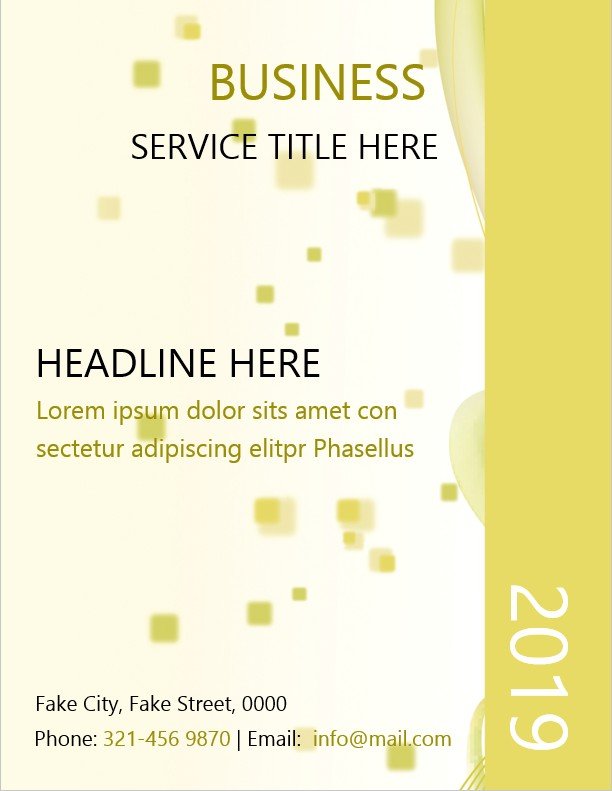
free cover page template

editable cover page template

cover page template

cover page template word
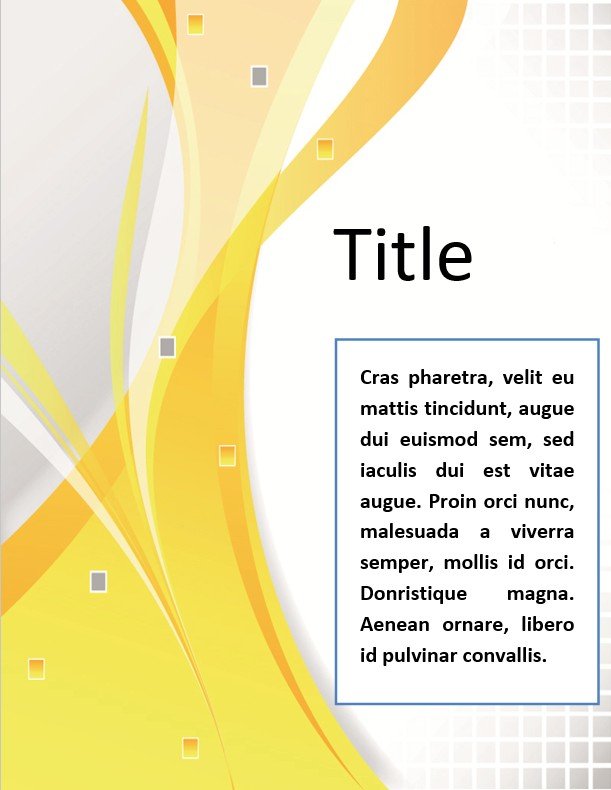
cover page design template
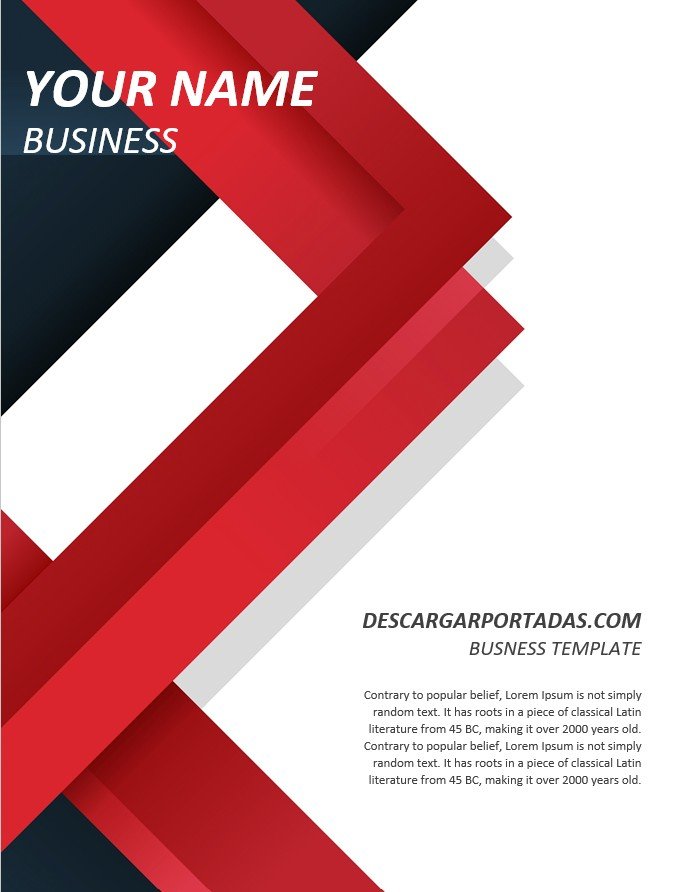
FAQs:
What is a cover page template used for?
A cover page template is used to create the first page of a document in a professional and organized way. It helps present the title, author name, logo, date, and other key details clearly.
How do I make a professional cover page template?
To make a professional cover page template, keep the design clean, use readable fonts, add the title prominently, include relevant details, and use a balanced layout with matching colors.
Is a cover page template important for assignments?
Yes, a cover page template is very important for assignments because it makes the work look neat, complete, and more presentable. It also helps teachers identify the document quickly.
What should be included in a cover page template?
A good cover page template usually includes the title, subtitle, author name, organization or institute name, logo, date, and simple visual styling.
Which is better: simple or stylish cover page template?
It depends on the purpose. For formal and academic work, simple is usually better. For portfolios, eBooks, or creative projects, a stylish cover page template can work very well.
What is the best cover page template for business documents?
The best business cover page template is one that includes your company branding, clear title placement, clean fonts, and a polished layout that reflects professionalism.
