
Managing time has become one of the biggest challenges for professionals, businesses, freelancers, and remote workers. Many people start their day with a long list of tasks but finish the day wondering where all their hours went. Meetings, emails, small interruptions, and repeated tasks can quietly consume valuable working time.
This is where a time tracking spreadsheet becomes a practical solution. Instead of investing immediately in expensive software, a well-designed spreadsheet can help you understand how you spend your time, organize your workload, and improve your daily productivity.
I have noticed that many people do not actually have a time management problem; they have a visibility problem. They work hard but do not know which activities are taking the most time or which tasks are creating the best results. A simple time tracking system helps reveal these patterns.
Whether you are a freelancer tracking billable hours, a manager monitoring team productivity, or an individual trying to build better work habits, a time tracking spreadsheet provides a flexible and affordable way to take control of your schedule.
What is a time tracking spreadsheet?
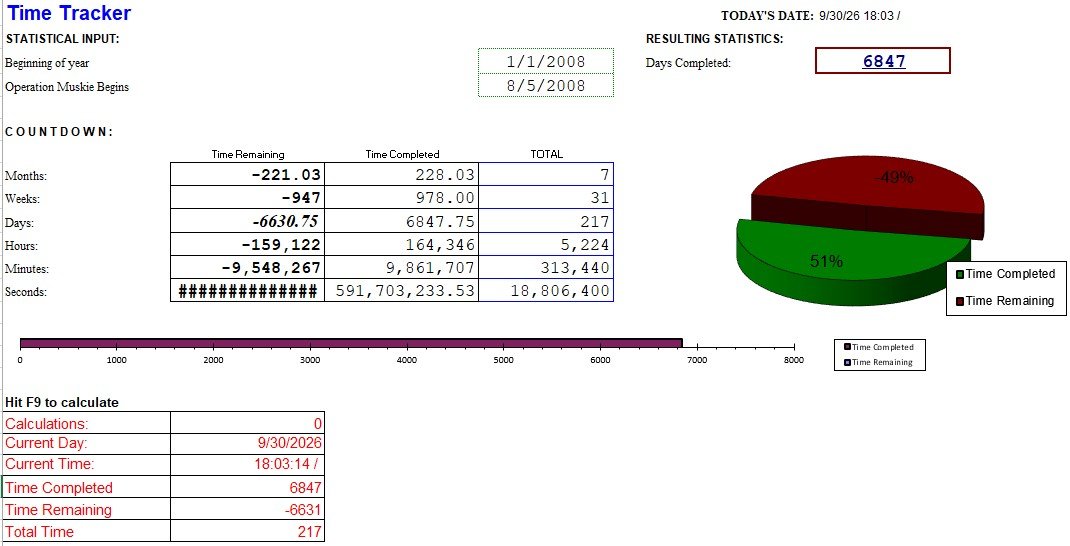
We all know that time is the only thing that we can never get back nor can we get more of it. So, by using a time tracking spreadsheet, you should learn how to keep track of time. Likewise budget tracking spreadsheet, the time tracking spreadsheet is used to keep track of how you or your employees make use of their time. Furthermore, this spreadsheet is the best way to learn how to use your time efficiently.
Why Time Tracking Is Important in Modern Workplaces
The way people work has changed dramatically. Remote work, freelancing, digital businesses, and flexible schedules have made traditional working methods less effective.
In the past, employees were often measured by the number of hours they spent in an office. Today, productivity depends more on results, efficiency, and effective use of time.
Without tracking your working hours, it is difficult to answer important questions:
- Which tasks consume most of my day?
- Am I spending enough time on important projects?
- How many hours am I actually working?
- Which activities waste my time?
- Are my projects profitable?
A time tracking spreadsheet provides answers by turning invisible working habits into measurable information.
For businesses, this information helps with:
- Better project planning
- Accurate employee workload management
- Improved client billing
- Resource allocation
- Performance analysis
For individuals, it helps create awareness and encourages better time management decisions.
Methods for tracking time:
Aside from an Excel time tracking spreadsheet, you can employ the following methods for tracking time;
Paper method
Paper method is the convenient method to use. You just require a stopwatch, a pen, and a piece of paper. You can use this method when you have to keep track of how long you accomplish complete daily tasks or activities. When you begin, start the watch and when you accomplish the task, stop it. Record the time on single paper.
Honor system
Time estimation is involved in this method of tracking time. In this method, you provide your employer an estimate of how much time you have spent on a certain task or project. After that, the project manager records that time to come up with an estimate of how much to pay you. You should only use the honor system when you’re sure that your employees will provide you an honest answer.
Types of time tracking spreadsheets:
Here are the common types of time tracking spreadsheets;
Weekly
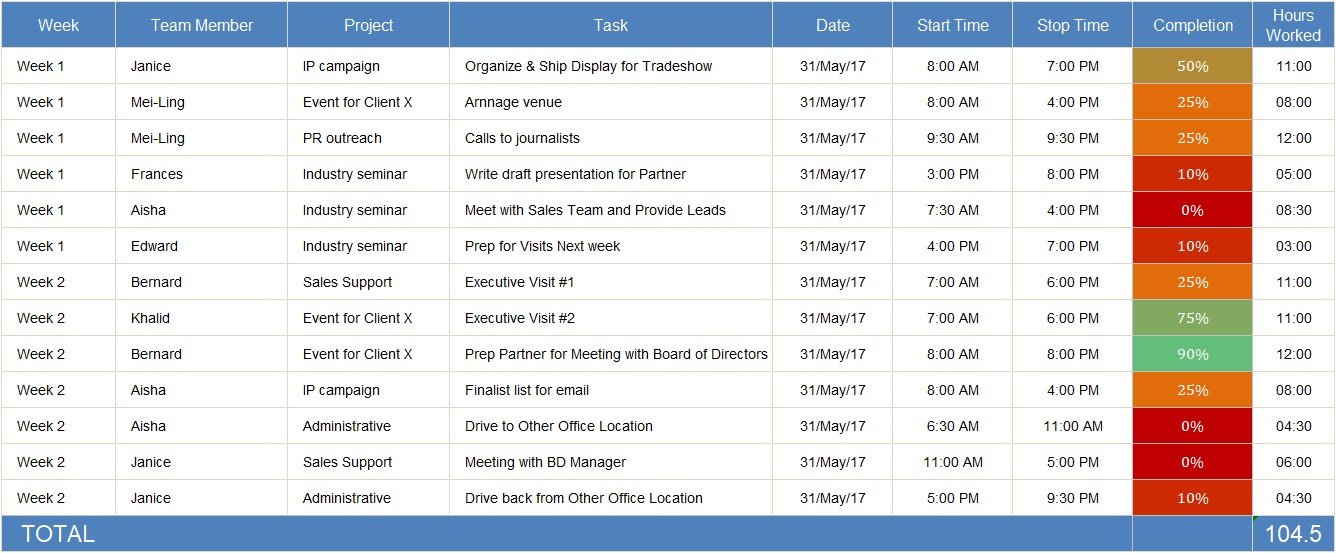
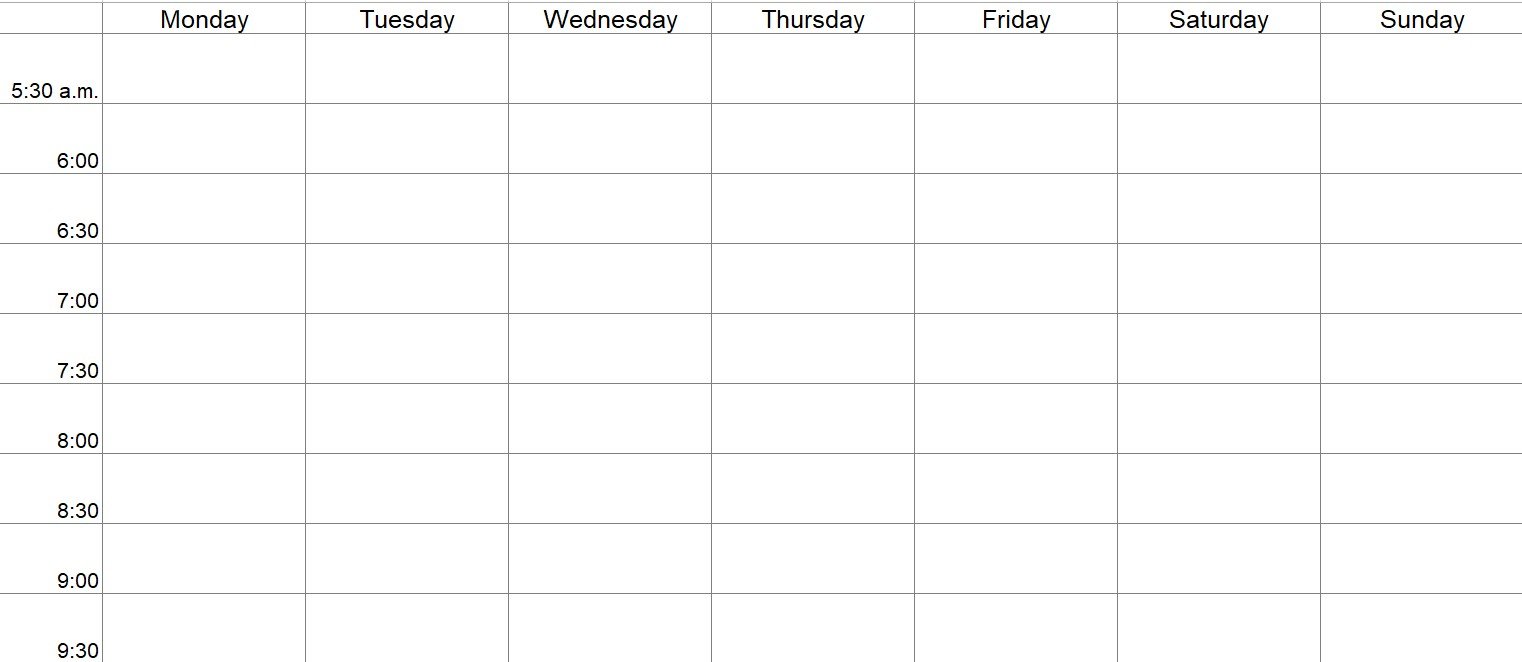
This type of time tracking spreadsheet is used to keep track of tasks or working hours per week.in the spreadsheet, enter the relevant information such as your name, contact number, and the name of the project manager. You can also add details regarding the company for reference.
In addition to this, you should also ensure for this type of spreadsheet that there are spaces for the dates, start times, end times, and breaks. Then, insert column or row to enter the total number of hours the employee worked for a week as well as include overtime.
Weekly (with unpaid leaves)
This type of spreadsheet is also used weekly. But, in this spreadsheet, you have to add a column or row for any unpaid leaves the employee takes within the week. Furthermore, make fields for vacation leaves, holidays, overtime, and regular hours. You may also add the rate per hour of the employee in order to make the document more specific.
Bi-weekly (calculated)
You can use this sheet to keep track of your employees working hours if you pay your employees twice a week. Since it includes an extra field for overtime hours so this differs from the calculated one. It is easier for you to download a template that already contain the formulas integrated into it.
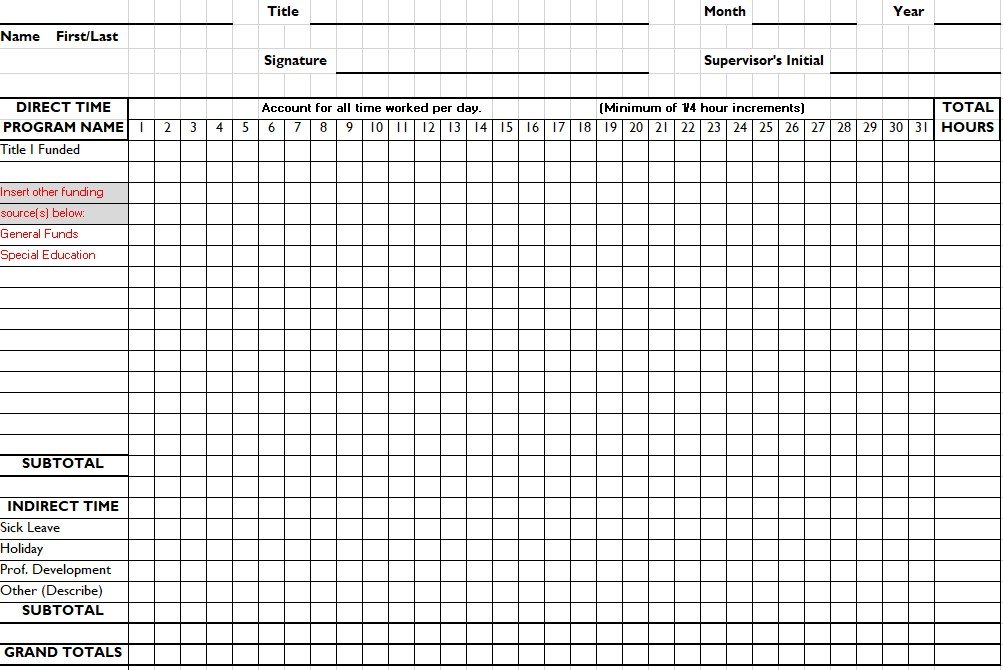
Monthly (basic)
You can use this spreadsheet to keep track of your employees’ working hours per month. Add all the information that you require on this template. Input correct formulas in order to avoid having to do the computations manually. If your employees don’t take daily breaks then only use this type.
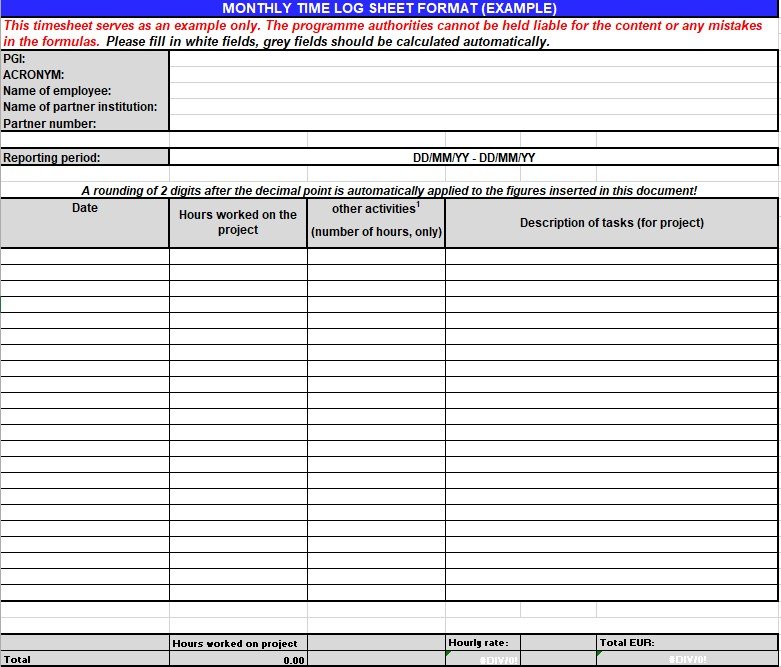
Monthly (for projects)
You can use this time logging spreadsheet in order to keep track of how many hours your employees work for each of your monthly projects. To make sure the accuracy of the results, log in the total number of hours each of the employees work individually.
Military time
Many companies make use of military time and in case, you use this format, you may use a time log template as well using military time too.
How to use a time tracking spreadsheet?
Anyone can use a time tracking spreadsheet especially employers, engineers, freelancers, contractors, sub-contractors, and lawyers. In addition to this, other types of professionals that want to keep track of time for their tasks, projects or for other purposes also use this spreadsheet. As an employer or any professional, you must learn how to use a time log template or a billable hour’s template. Here are some pointers for you;
- While keeping track of projects or tasks, make a template that is just right for these. You should make sure that the template includes all of the essential details related to the projects or tasks that you have to accomplish. Then, ensure to use the spreadsheet from start to end.
- Make sure the spreadsheet includes all the names of your employees while keeping track of the hours your employee worked either daily, monthly or weekly. After that, at the start and the end of each day, input their working hours.
- Only use the spreadsheet for recording the time the employees has worked while keeping track of their billed hours. You can also add the rate of employees per hour. However, you have to make a separate invoice to give your employees along with their salary.
- If you want to download a template, you can personalize it as required. Insert as many columns or rows as you require on the basis of the information you have to include in your template.
When recording information in your spreadsheet, you should make sure to be as specific as you can. This is particularly essential when you’re in charge of keeping track of your employee’s working hours on the basis of their salaries.
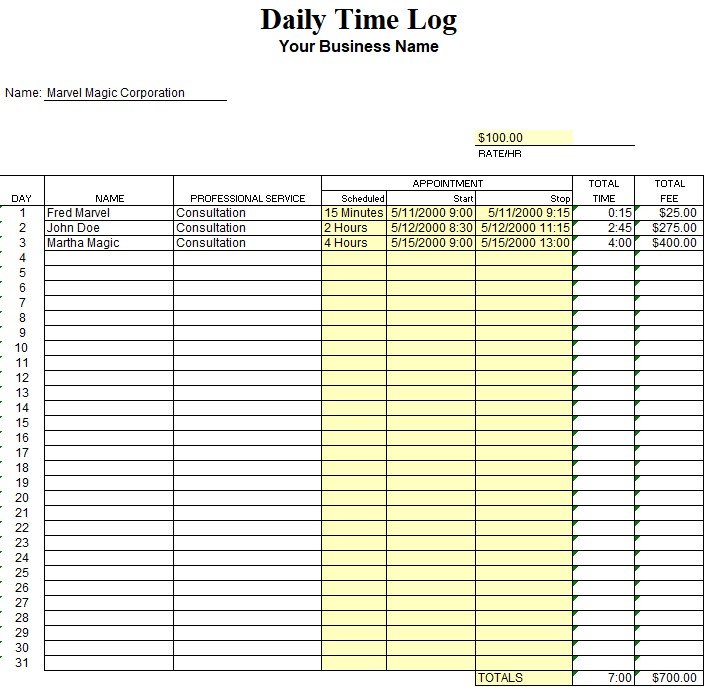
What to include in your daily time tracking spreadsheet?
The daily time-tracking spreadsheet contains the following details;
- Start Time
- End Time
- Hourly Rate
- Total Hours
- Overtime
- Amount Earned
Before sending your timesheet to your manager for approval, you have to manually fill in the details. You can send the time tracking report weekly, bi-weekly, or monthly on the basis of the payroll arrangements in your company.
What are the drawbacks of Excel time tracking sheets?
Let us discuss below the drawbacks of using Excel time tracking sheets;
- There are high chances of gross miscalculations and payroll errors in case formulas are incorrect or sum calculations leave out key figures. Mistakenly deleted timesheets are the most common human error that is faced by Excel sheets. Thus, if there are no backups or systems to recover deleted data, you may have to face disastrous results.
- For clock in and out times, you have to depend on your employees’ ability. You can’t monitor how long a worker is actually working on a task.
- It is time-consuming to add new data or make corrections to spreadsheets.
- The managers have to go through the employee’s weekly timesheet to check how long he has worked on various days or particular projects. It isn’t easy to see patterns or make any useful insights because of the volume of data presented in a single sheet.
- You aren’t able to store historical data in an Excel timesheet. It isn’t easy without historical data to spot long-term trends or strategize how to build productivity systems for a company.
- It is very difficult to track which employees have submitted their timesheets when you have a large team.
- There is a higher chance of the file getting corrupted when you share and update a particular Excel sheet frequently.
Benefits of Using a Time Tracking Spreadsheet
A properly designed time tracking spreadsheet can provide several advantages for individuals and organizations.
Better Understanding of Where Your Time Goes
One of the biggest benefits of tracking time is awareness.
Many professionals underestimate how much time they spend on small activities. Checking emails, attending unnecessary meetings, switching between tasks, or searching for information can consume hours every week.
A time tracking spreadsheet creates a realistic picture of your daily routine.
After reviewing your records, you may discover:
- Administrative work takes more time than expected
- Certain projects require more resources
- Some tasks can be automated
- Important priorities are being ignored
This information helps you make smarter decisions.
Improved Productivity and Focus
Tracking time does not mean working longer hours. The goal is to work more efficiently.
When people know they are recording their activities, they naturally become more focused. They become less likely to spend unnecessary time on distractions.
For example, a person may plan:
| Task | Estimated Time |
|---|---|
| Writing article | 3 hours |
| Research | 1 hour |
| Editing | 1 hour |
After tracking actual time, they may discover research takes three hours instead of one. This insight allows better planning for future projects.
Accurate Tracking of Billable Hours
For freelancers, consultants, agencies, and service providers, accurate time tracking is extremely important.
Many professionals lose money because they forget to record small tasks such as:
- Client calls
- Emails
- Research
- Revisions
- Project discussions
A freelancer time tracking spreadsheet ensures every working hour is recorded.
This helps create professional invoices and improves transparency with clients.
Better Project Management
Project managers need to understand how resources are being used.
A project time tracking template helps managers identify:
- Which tasks are delayed
- Which projects require additional support
- Whether deadlines are realistic
- How much time similar projects usually require
Historical time records can also improve future project estimates.
Increased Accountability
For teams working remotely, tracking time can improve communication and accountability.
Employees can clearly show:
- Completed tasks
- Time invested
- Project progress
- Current workload
However, effective organizations use time tracking as a productivity tool rather than only a monitoring system.
time tracking tool template
time tracking spreadsheet
time tracking spreadsheet template
time tracking spreadsheet excel
time tracker instructions template
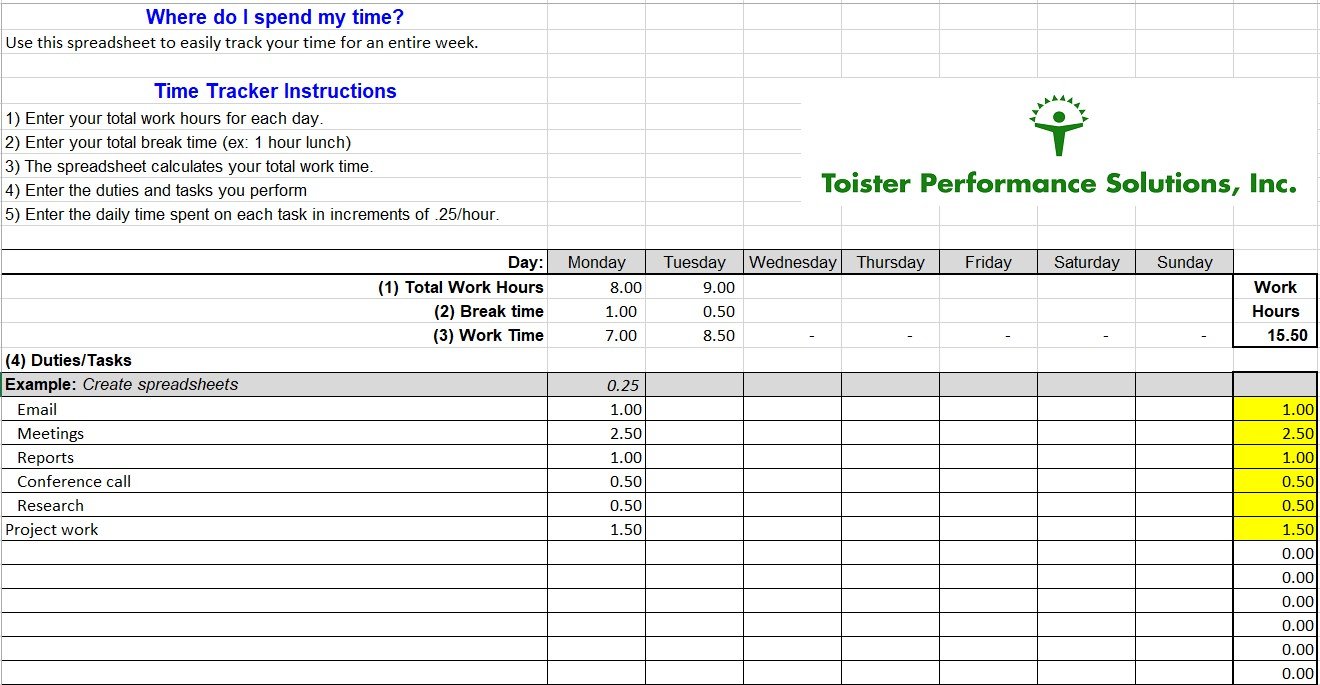
ten year career expense time tracker template
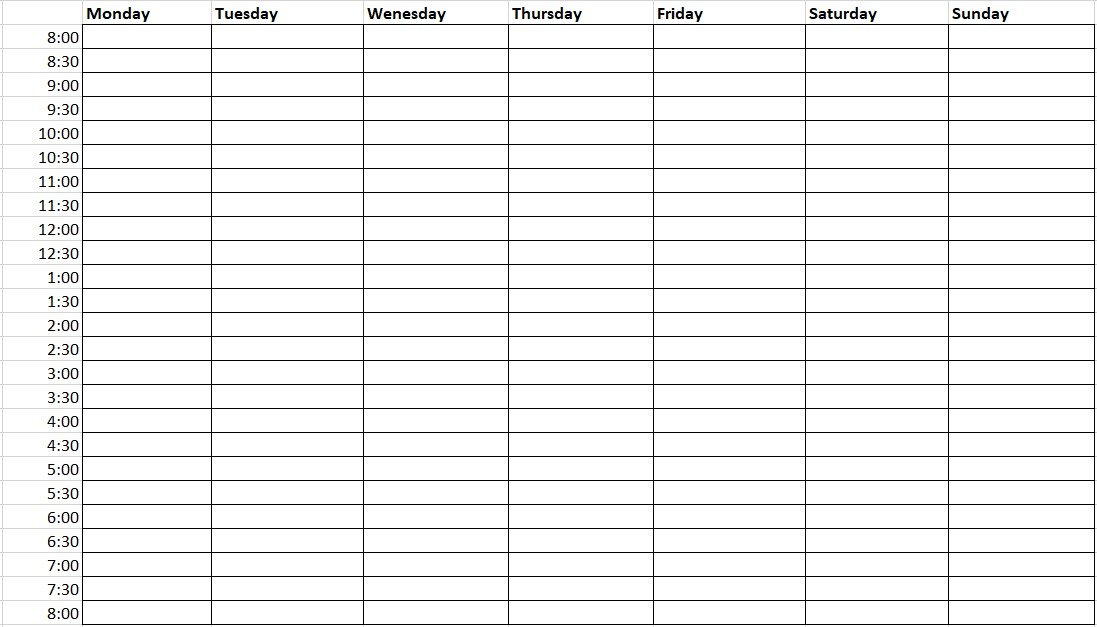
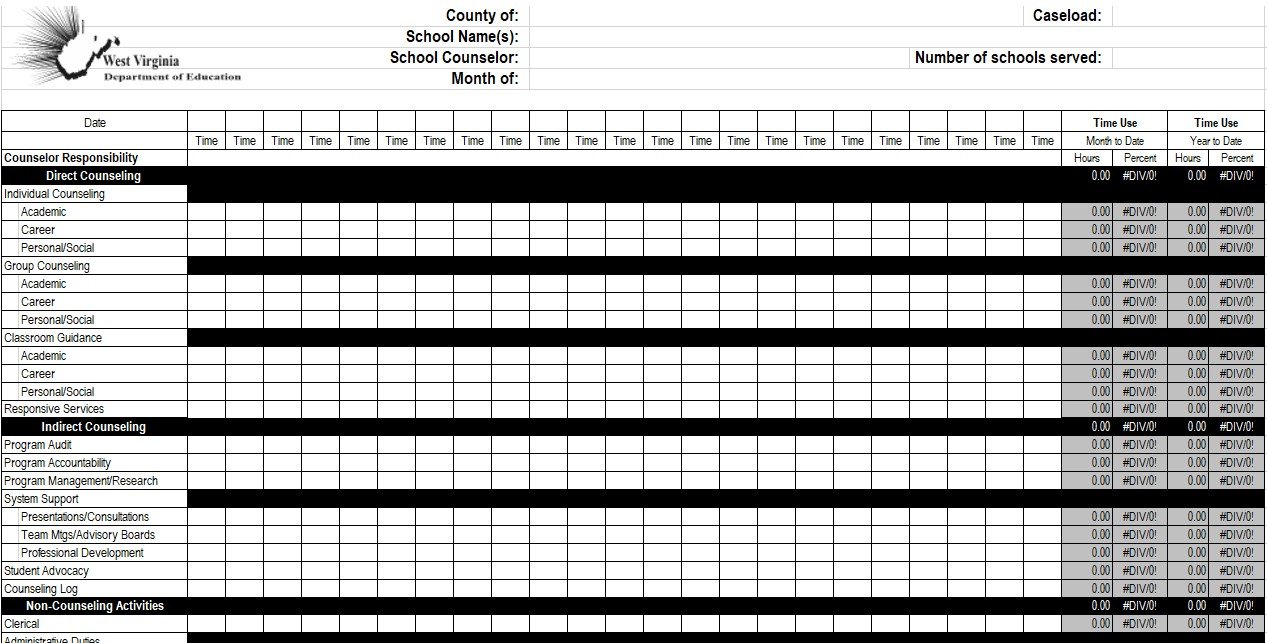
school counselor weekly time use log template
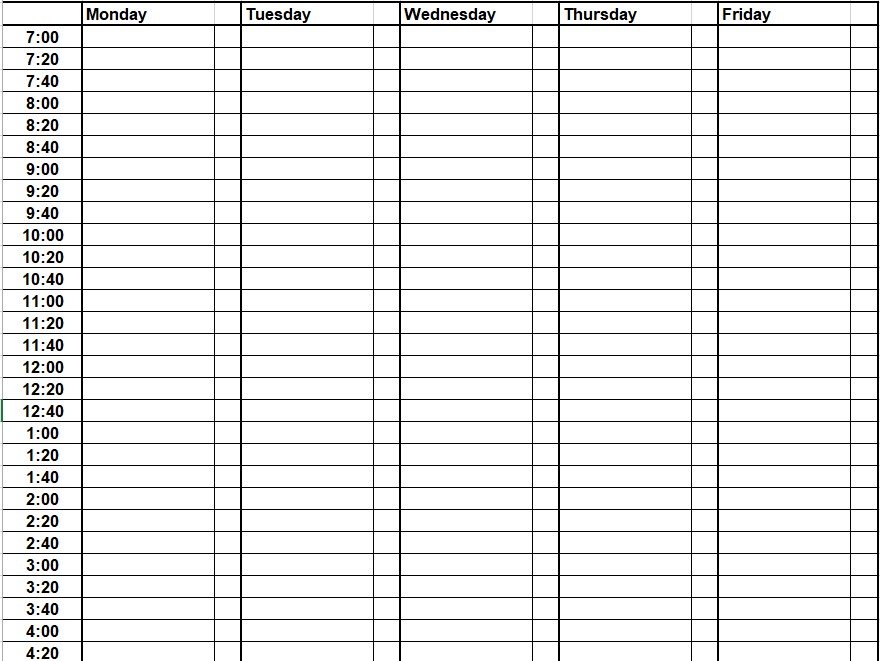
project time tracker excel
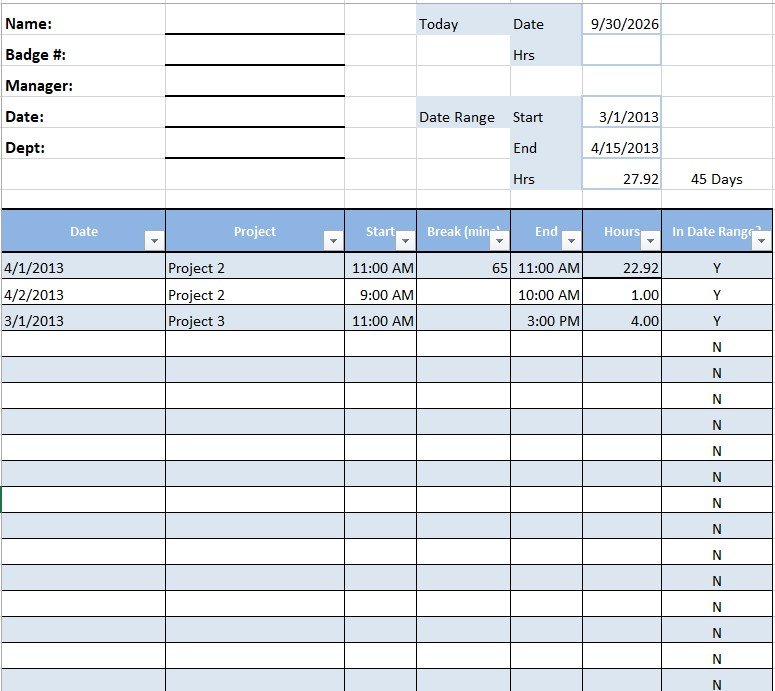
printable daily time log spreadsheet
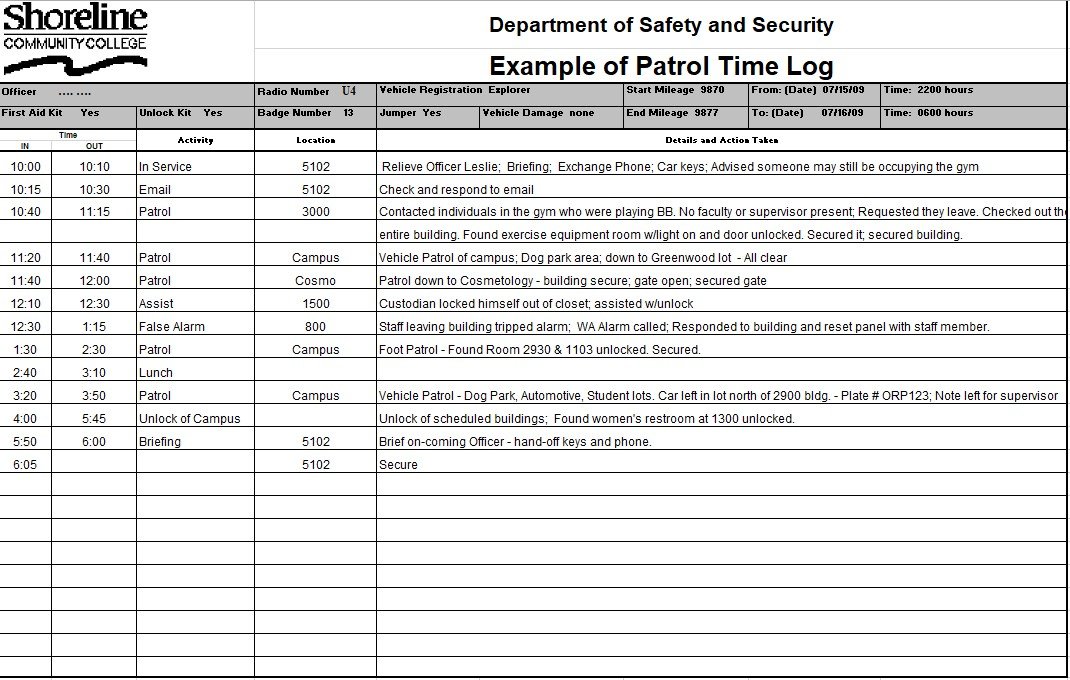
patrol time log template
monthly time log sheet format
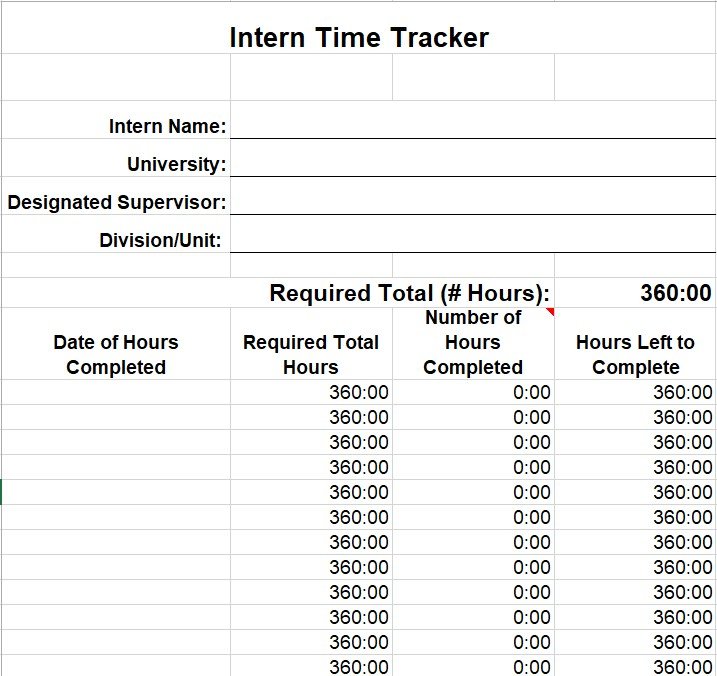
intern time tracker template
free time tracking spreadsheet
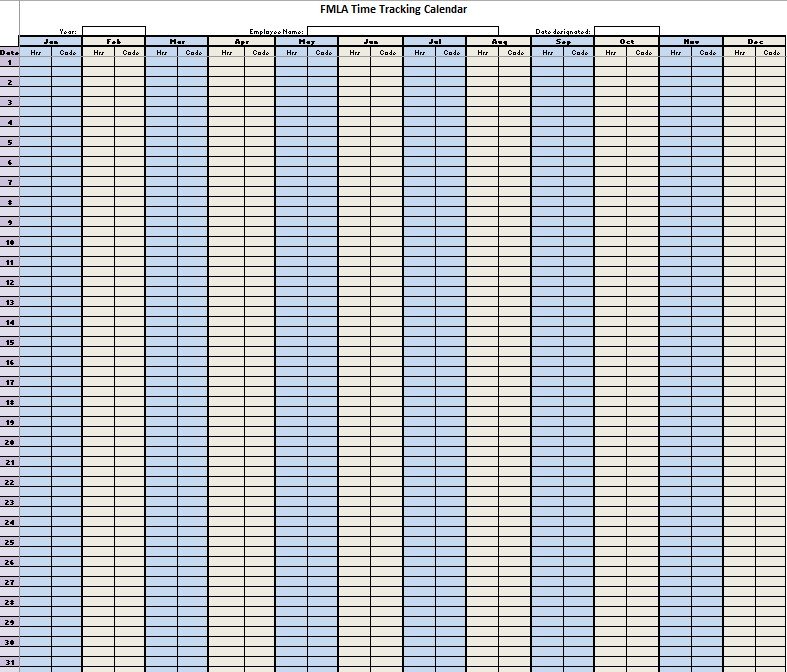
fmla time tracking calendar template
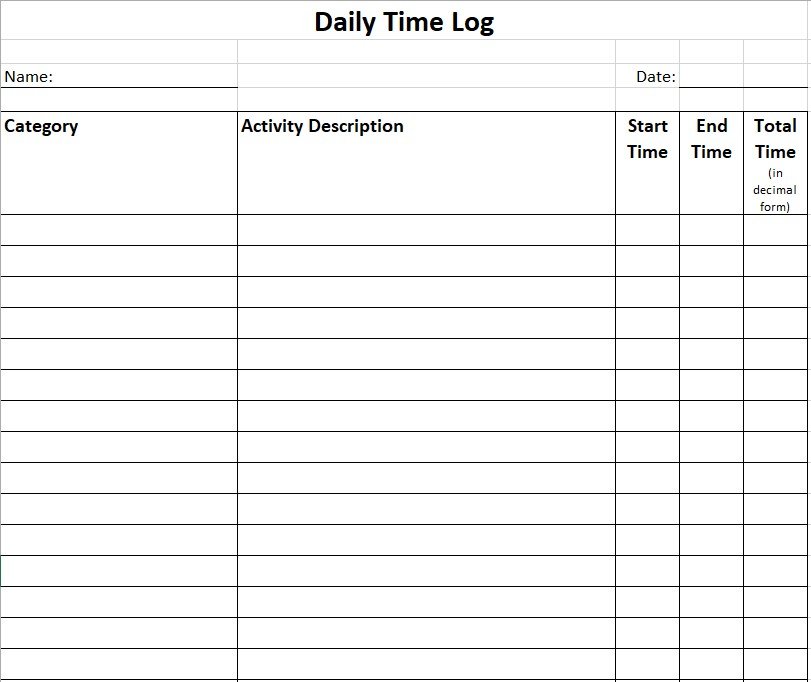
daily time log template
Conclusion:
In conclusion, a time tracking spreadsheet is used to keep track of the time especially, if you work with contractors, part-time or temporary employees. You can use the MS Excel software to make your own spreadsheet because this software is versatile, practical, and fairly easy to use.
FAQ’s:
What is time tracking?
Time tracking is a process of knowing how much time each of your team is spending on specific tasks.
How to track time on a spreadsheet?
It depends on you whether to open an Excel spreadsheet or Google sheet to track your time. You can input the following details in the sheet;
- Start time
- End time
- Hourly rate
- Client
- Activity
- Total hours worked
- Overtime
- Amount earned
- Other details
