
You can find a variety of different blank check template (Word, PDF) in all sorts of formats and file types on different websites like ours. We offer you a handful of different varieties. Because most of our templates here are very simple and have very manageable designs, you can easily customize them. And because we offer you so many different styles of these black check templates, you do not have to change them. If you do not want them modified, you can simply just download these templates and use them as they are.
But before you do that, we recommend that you keep reading this article in order to be more informed about what bank checks are, and what they mean. You will also learn about the different components and types of bank checks, and how you can right one by yourself in case you have no other choice. You may also see the deposit slip template.
So let us get straight to the point, and answer the mandatory question for you.
Table of Contents
What are the Checks?
A check, also stylized as cheque, in simple words, is a document or a piece of paper that is given to a certain bank in order to draw out the amount of money specified on that piece of paper.
The way they work is very simple. When someone opens a new bank account, their associated bank hands them a checkbook, this checkbook has a certain number of pages of pre-printed checks that have the holders name and important information on them. These checks also have the bank information on them as well. You should also check the bank reconciliation template.
What Is a Check Template and Why You Need It
When you hear the phrase “check template”, you might picture a blank cheque you fill out by hand—or perhaps a digital version you print. In business, personal finance or administration, a check template is a pre-formatted document or digital layout designed to standardize how checks are filled out, printed or recorded.
In simpler terms: it’s a blueprint for a check (financial instrument) or a layout for recording checks—depending on the context. Using a template saves time, reduces errors and gives you a consistent, professional look.
Why does this matter?
Because whether you’re issuing payroll checks, reimbursing expenses, or tracking payments in a spreadsheet, having a template means you don’t reinvent the wheel every time. It also helps with compliance (layout, legal fields), processing (bank routing/account numbers) and bookkeeping (consistent fields).
How Does Check Template Work?
Now, whenever that customer issues a signed check to someone, they become the check drawer or payor. And the person holding that signed check (and the specified amount of money on it) becomes the drawee or the payee. All the payee has to do now is go to the bank, and cash that check. They will receive that amount of money specified on the check (from the drawer’s bank account balance).
Types of Checks:
- Certified Check: as the name suggests, a certified check is a legal check that verifies all the boxes in order for it to be called “certified”. It ensures that the drawer has enough funds in their bank account for the check to be cashed, it also ensures that the drawer’s signature on the check is real.
- Cashier’s Check: a cashier’s check, in simple words, is done in a slightly broader way. It is basically done against the bank’s own money. So it ensures timely, and complete payment of the payee.
- Payroll Check: is possibly the simplest to understand, it is done by an employer company to pay their employee. That’s all there is to it.
- You may also see a business credit application template.
Types of Check Templates
There are several common types of check templates—each with its own use case. Here are some of the key varieties.
Blank Check / Printable Check Template
This is a document (often in Excel, Word or PDF) that looks like a cheque you would issue. You fill in payee name, date, amount, signature, bank information, etc. Many platforms offer “blank check templates” for you to download and print on blank check stock paper. For example, some Excel-based templates let you change your bank details, address, logo, and then print.
Check Register / Check-Recording Template (Spreadsheet)
Rather than printing a physical check, many users simply want to track checks they’ve written or received. A check register template (in Excel or Google Sheets) allows you to log date, check number, payee, amount, category, clearance status, and running balance.
Automated Check Printing Template (Business / Payroll)
Businesses issuing a large number of checks (payroll, vendor payments) often use templates built into HR or accounting systems. The template defines layout, fields (payee, amount, company logo), and often interfaces with blank stock paper and printer settings.
Banking With a Financial Institution Template
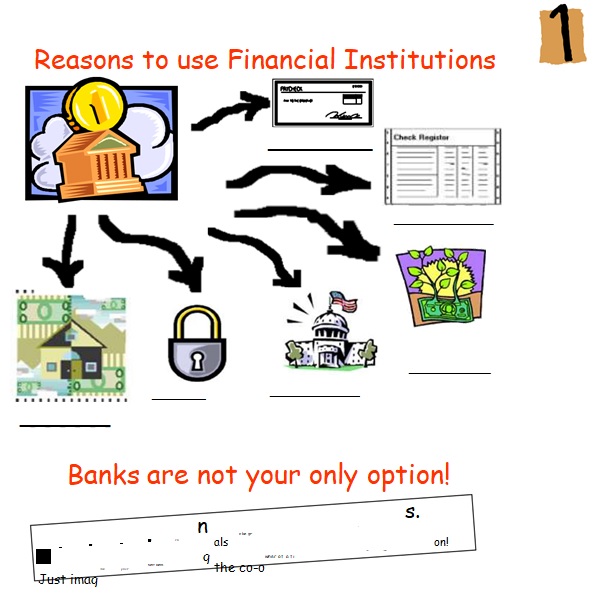
Blank Business Check Template
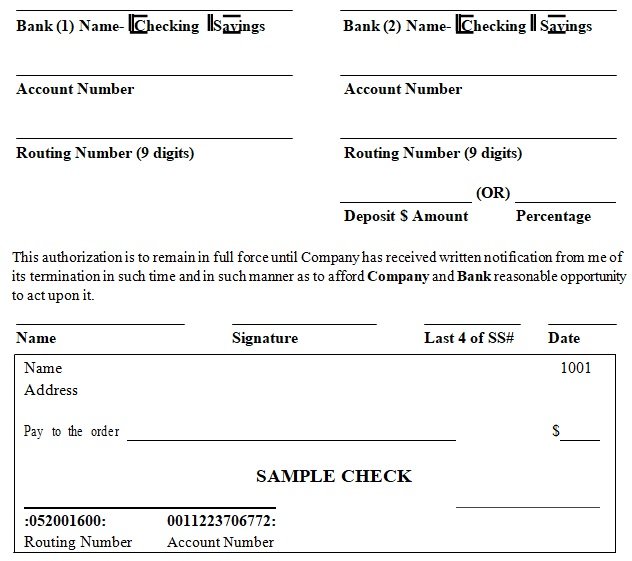
Blank Check Template Printable
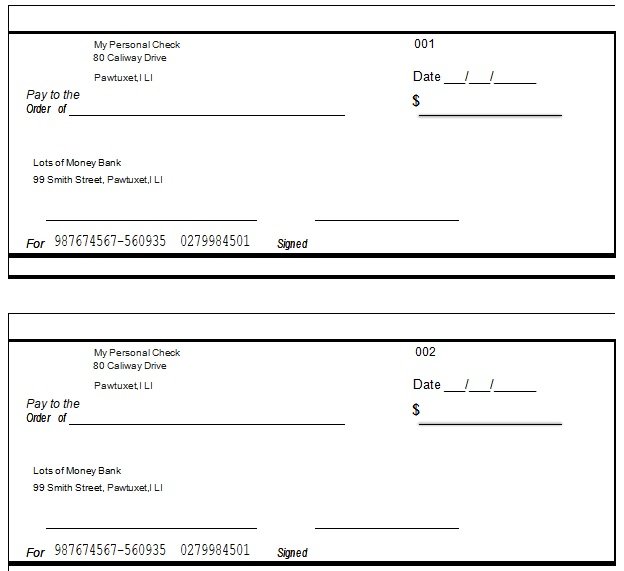
Blank Check Template for Microsoft Word
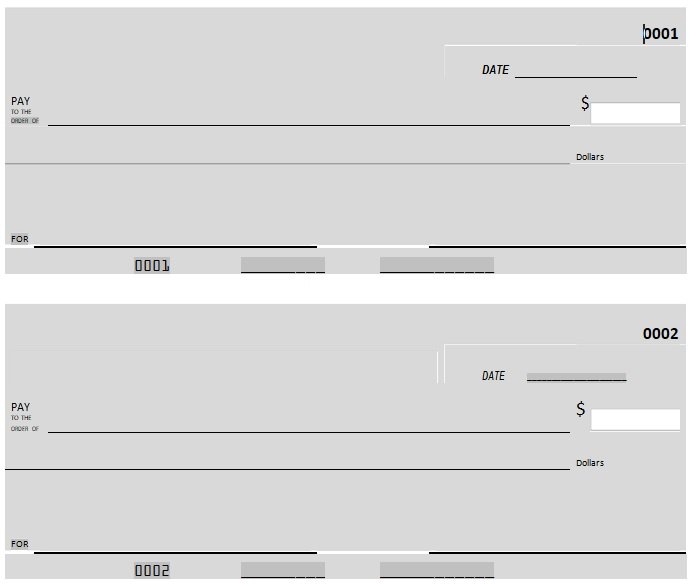
Blank Cheque Template Editable
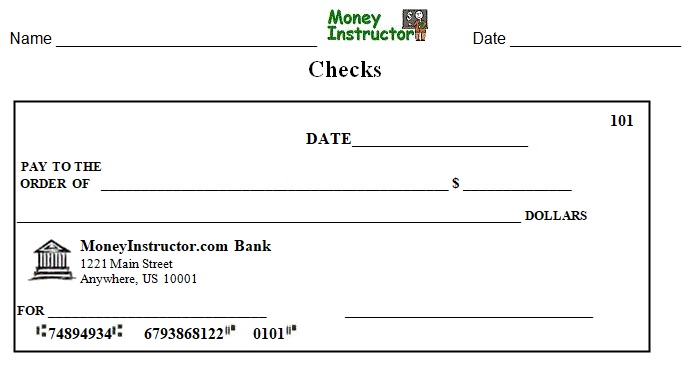
Business Check Template to Fill and Print
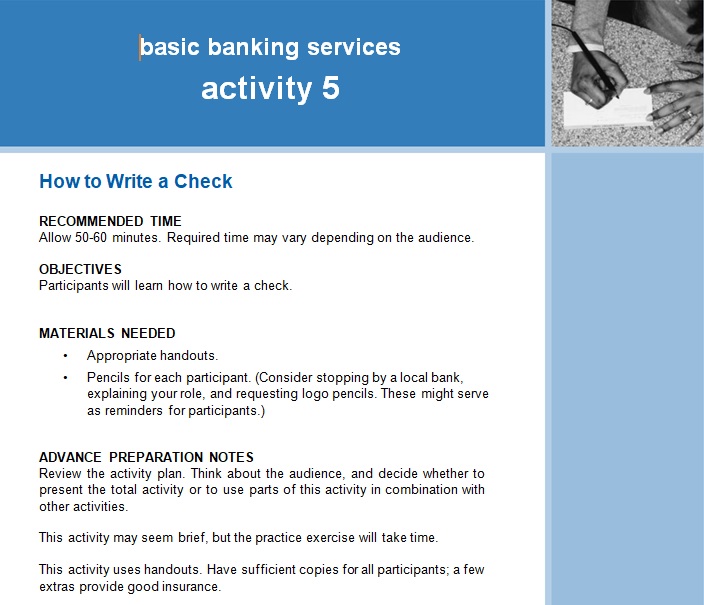
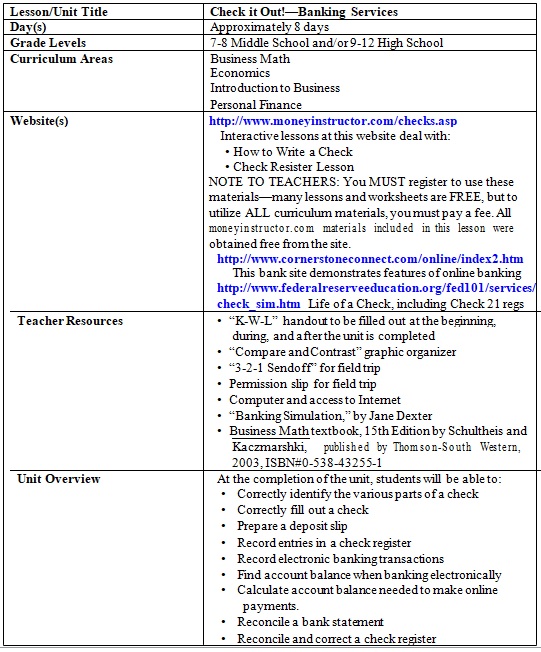
Check Writing Template for Microsoft Word
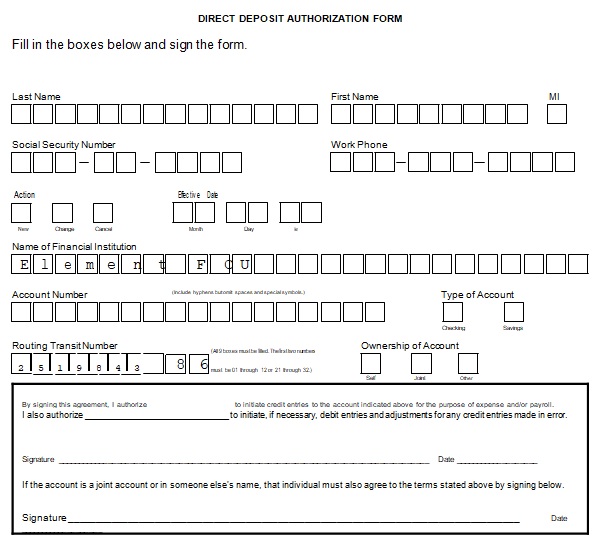
Direct Deposit Authorization Form
Fillable Blank Business Check Template
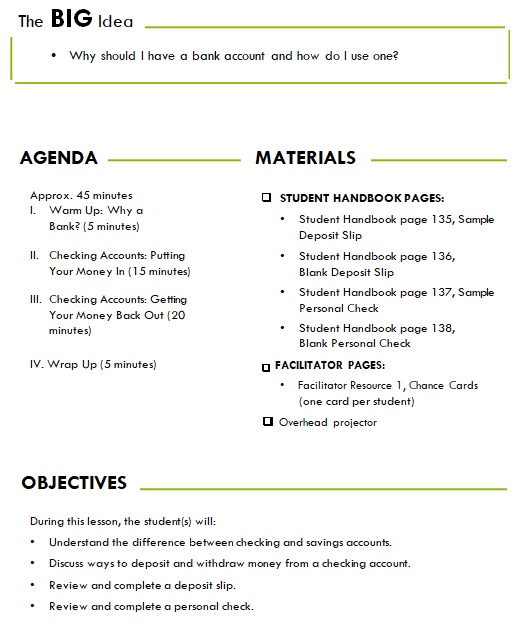
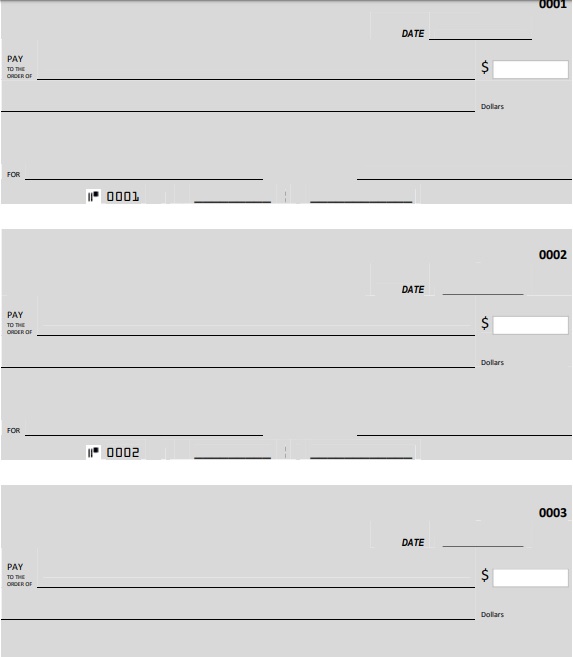
Free Fillable Blank Check Template
General Blank Check Template
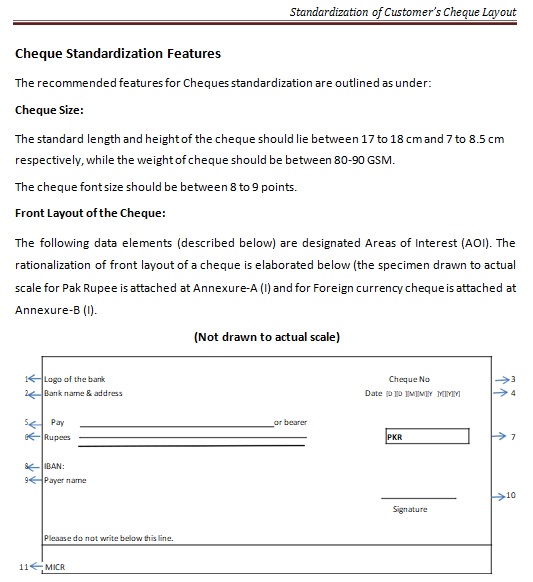
Standardization of Customer’s Cheque Layout Template
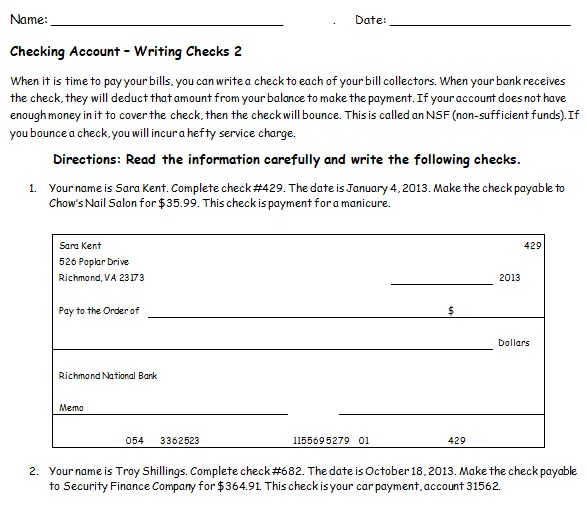
Writing a Check Template
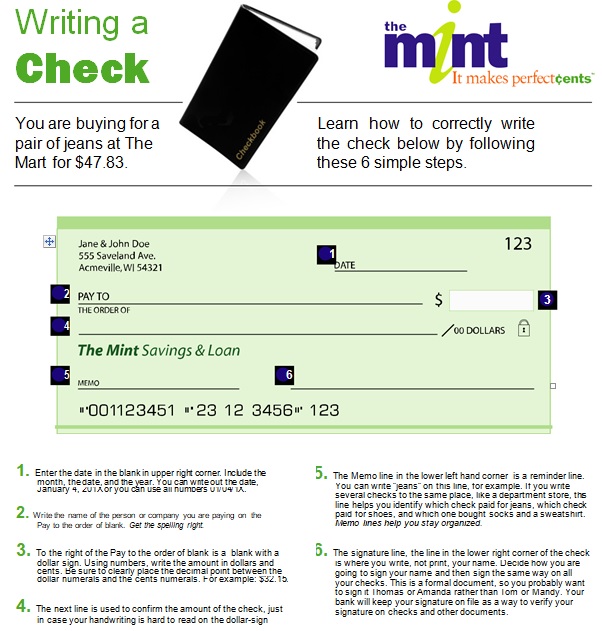
Key Elements of a Good Check Template
Whether you’re creating a check template from scratch or adapting one, some layout and content elements matter for clarity, legality, tracking and printing.
Content Fields
At minimum, a check template should include:
- Date line (when the check is issued)
- Payee line (“Pay to the order of …”)
- Numeric amount box
- Written amount line (“One thousand two hundred and 00/100”)
- Memo line (optional)
- Signature line
- Bank name/address and routing/account numbers (if printable)
- Check number (for tracking)
- Company logo and address (for business checks)
Layout & Design Considerations
- Margins and dimensions must align with check stock or printer layout (especially if printing on pre-perforated paper)
- Fonts should be clear and consistent (written amount should be readable)
- For printable checks, security features (micro-print, watermark) may matter
- For spreadsheets, design matters less for printing and more for readability (columns, clear headings, running balance)
- Drop-down menus, date pickers, validation help reduce errors (especially in register templates)
Data-Tracking & Reconciliation Features
When the check template is used as part of bookkeeping, these features help:
- Column for “cleared” status so you know if the bank has processed it
- Running balance formula so each row reflects the updated balance after the check
- Filter or category column to summarise types of expenses or payees
- Printable summary or reconciliation sheet
Different Components a Check Template Should Have
An ideal blank check template should have the following components in its templates for it to be a financially accepted check. It has to have:
- A space for adding the date.
- Space for the name of the payee and the payor.
- Space for the name of the bank (if it is not already present).
- A space for writing the amount of money to be cashed (in numbers).
- A space for writing the amount of money to be cashed (in words).
- A space for the signature of the payor. The check has to be signed by the payor in order to be legitimate.
How to Create and Use a Check Template (Step by Step)
Let’s walk through creating a basic check template, whether for printing or recording, and then how to use it effectively.
Step 1 – Define Your Purpose
Before opening Excel or Word, decide:
- Are you printing checks or simply recording them?
- Do you need one template for all checks, or separate templates for payroll, vendor payments etc?
- Will you issue many checks (in which case automation helps) or just occasional ones?
- Do you need compliance/security features (business checks)?
Step 2 – Choose the Platform
- For printed checks: Excel, Word or specialized software that supports blank check stock.
- For a register/spreadsheet: Excel or Google Sheets works well. Microsoft’s catalog of templates points to a wide variety of spreadsheet types.
- For large scale business usage: Accounting/ERP software that supports check template layout (routing numbers, MICR printing).
Step 3 – Set Up the Layout
For printed check:
- Start with page size and orientation matching your check stock
- Insert and arrange fields: Payee, date, amount (numeric + written), memo, signature, company address etc
- If using Excel: You may set cell widths/heights, background images, and cell formats (In one open-source file for check printing, cells for routing/account numbers were defined).
For register spreadsheet:
- Create columns: Date, Check #, Payee, Category, Amount, Cleared (Y/N), Balance
- Use formulas: e.g., Balance = Previous Balance – Amount (for each new row)
- Add drop-down list for Category so you can summarise later
Step 4 – Add Validation & Automation
- Use data validation for dates (only allow valid dates)
- Use drop-down lists for common payees or categories
- In printing scenario, lock certain fields (company address) so they aren’t overwritten
- Conditional formatting: For example, highlight negative balances, or checks not cleared after a certain number of days
Step 5 – Test and Print or Use
- For printed check: Do a test print on plain paper to ensure alignment before using actual check stock
- For register spreadsheet: Enter some sample rows, check the running balance works, filters work, and you can easily reconcile with your bank statement
Step 6 – Maintenance & Backup
- Regularly update when you issue or receive checks
- Reconcile with bank statement monthly – mark cleared status
- Backup your spreadsheet or save copies of printed checks for audit/tracking
- If you use printed checks, keep a log of check stock and used check numbers
Benefits of Using a Check Template
Having a consistent check template delivers tangible benefits:
- Consistency: Every check looks the same, making your organization appear professional and reducing mistakes
- Efficiency: You don’t start from scratch each time—you just fill the fields
- Accuracy: With validation and formulas, you reduce mis-entries (wrong amounts, dates)
- Tracking & audit: In a register format you can easily filter payees, categories, cleared status, which helps in financial review or audit
- Printing alignment: For businesses, the template ensures the printed check aligns perfectly with the check stock (routing numbers, micr line, logo)
- Time-saver: When you reuse a template, you save time compared to designing one each time
Conclusion
Frequently Asked Questions:
What’s the difference between a blank check template and a check register template?
A blank check template is designed for printing a physical check—you fill in payee, amount, memo etc, then print on check stock. A check register template is a spreadsheet designed to record checks you’ve written or received (dates, numbers, amounts, payees) and track balances, rather than print a check.
Is using a check template safe and compliant with banks?
If you’re using a properly aligned printed check that meets your bank’s specs (routing/account numbers in correct MICR positions, signature, date etc), yes. But for business checks you should ensure you include required security features and meet your bank’s policy. For tracking instead of printing, using a register template is safe and helps with audit trails.
What size should the check template be?
For printed checks the size depends on your check stock (single check per page, three-checks per page, wallet size etc.). Check your blank stock packaging for dimensions and set page size/orientation accordingly in Excel/Word. For register templates the “size” is flexible—the columns adjust to screen or page width.
You May also Like
 Free Real Estate Purchase Agreement Forms & Templates (Word / PDF)
 Free Not Renewing Lease Letters & Samples (Word)
![Personal Service Contract Template [Word, PDF]](https://exceltmp.com/wp-content/uploads/2021/08/free-personal-service-contract-template-150x150.jpg) Personal Service Contract Template [Word, PDF]
Personal Service Contract Template [Word, PDF] Everything You Need to Know About Wire Transfer Form Templates (Excel / Word / PDF)
 Printable Vehicle Power of Attorney Form (Word / PDF)
 6+ Free College Transcript Templates (Word / PDF)
